Heading 1
Heading 2
Heading 3
Heading 4
Heading 5
Heading 6
Article using the card styles for visual consistency.
A scalable interface system built for performance, accessibility, and real-world product workflows.
How the interface behaves: tokens constrain color, type, surfaces, and spacing so composed UI stays consistent.Full tokens & typography → Style guide
The same tokens compose into predictable UI: surface, label, field, and action working together.
Primary (brand ramp)
Secondary (violet ramp)
Semantic
Body text uses the default size and line height for long-form reading and UI copy.
Small text for captions, hints, and secondary metadata.
const primary = 'var(--brand-700)';Surface steps stack from page (--surface-0) through raised cards; elevation uses shared shadow tokens. Toggle light/dark in the header to verify contrast.
A real UI flow demonstrating system consistency across interaction patterns.
A multi-step workflow component with next/previous navigation, plus visual linear and circular progress indicators that update as you advance through each step.
<ol class="stepper-list" role="list">
  <li class="stepper-step is-active">
    <span class="stepper-step-label">1. Discovery</span>
  </li>
  <li class="stepper-step">
    <span class="stepper-step-label">2. Design</span>
  </li>
</ol>
<div class="progress-bar" role="progressbar" aria-valuenow="25" aria-valuemin="0" aria-valuemax="100"></div>Reusable layout primitives for responsive composition—grids, asides, and card patterns. Visual tokens live in System overview.
Three patterns cover most product layouts: a balanced four-column grid, a content-friendly three-column grid, and a main region paired with an aside.
On viewports below 768px, the grid examples are hidden so cards stay readable; the main + aside pattern below still demonstrates responsive behavior.
Card default styling.
Card surface 2 color.
Card surface 3 color.
Card surface 4 color.
Card default styling.
Card surface 2 color.
Card surface 3 color.
Article using the card styles for visual consistency.
Article using the card styles for visual consistency.
<div class="grid-4">
  <article class="card card-1">Column</article>
  <article class="card card-2">Column</article>
  <article class="card card-3">Column</article>
  <article class="card">Column</article>
</div>
<div class="grid-3">
  <article class="card">Column</article>
  <article class="card">Column</article>
  <article class="card">Column</article>
</div>Interactive elements used to trigger user intent.
The Loader component is a small, customizable spinner used for showing loading states. It accepts width, heightand border props (strings or numbers) and sets matching CSS variables (--loader-width, --loader-height,--loader-border) so the pseudo-element spinner can be styled consistently. Place the loader inside a centered container or use a positioned parent (e.g. position: relative) when showing an overlay.
<div class="loader" role="status" aria-label="Loading" style="--loader-width: 3.2rem; --loader-height: 3.2rem; --loader-border: 4px solid var(--brand-700);"></div>A prominent call-to-action band for demos, downloads, or contact.
Get a demo tailored to your protocol and timelines.
<div class="card cta">
  <div>
    <h3>Ready to align your study team?</h3>
    <p>Get a demo tailored to your protocol and timelines.</p>
  </div>
  <div class="row btn-row">
    <a class="btn btn-primary" href="mailto:hello@example.com"><span class="label">Request a demo</span></a>
    <a class="btn btn-secondary" href="#"><span class="label">Download overview</span></a>
  </div>
</div>The patterns you reach for first: controls, validation, search, and a composed contact slice—ordered for product relevance.
Flexible form and input system supporting text, selects, checkboxes, radios, sliders, file uploads, and validation. All controls are accessible, customizable, and support helpful messaging and state via props.
Label, helper text, validation, and actions as they appear in a real panel.
<fieldset class="input-action">
  <label for="code">Input with action</label>
  <div class="controls">
    <input id="code" type="text" placeholder="Enter a code" />
    <button class="btn btn-primary" type="button">
      <span class="label">Join</span>
    </button>
  </div>
</fieldset>Client-side rules with inline messages, an error summary, and accessible states.
<fieldset class="fieldset">
  <label for="email">Work email</label>
  <input id="email" class="is-invalid" type="email" value="not-an-email" />
  <small class="hint error">Enter a valid email address.</small>
</fieldset>Debounced “email already taken?” check with loading state and accessible messages.
<fieldset class="fieldset">
  <label for="username">Username</label>
  <input id="username" type="text" />
  <small class="hint">Checking availability…</small>
</fieldset>The suggestion list filters as you type (for example, typing access narrows the list toward Accessibility Standards). Pick an item with the mouse, or Arrow keys then Enter or comma. If your text matches nothing in the list, Enter or comma adds a custom tag. When the field is empty, Backspace removes the last chip. With an empty field, focusing shows either recent picks (when configured) or the full suggestion list.
<div class="chip-input">
  <label class="hint" for="skills">Skills</label>
  <div class="chip-box">
    <div class="chip-holder">
      <span class="chip">React <button type="button" aria-label="Remove React">×</button></span>
    </div>
    <input id="skills" class="chip-editor" type="text" />
  </div>
  <ul class="chip-suggest" role="listbox">
    <li class="chip-opt" role="option">TypeScript</li>
  </ul>
</div>A composed slice—input, primary action, inline outcome, and success feedback—shows how tokens and components work together beyond isolated controls.
<form class="card">
  <label for="name">Name</label>
  <input id="name" type="text" />
  <button class="btn btn-primary" type="submit"><span class="label">Send</span></button>
</form>Specialized pickers, uploads, and composite fields—useful for dense tools; keep them behind the core patterns when telling the system story.
Single-select and multi-select with chips. Arrow keys + Enter, click to choose.
<div class="combo" data-combo>
  <label class="hint" for="workspace">Workspace</label>
  <input id="workspace" class="combo-field" type="text" role="combobox" aria-expanded="false" />
</div>Drag files here or browse. Shows basic validation and mock progress.
<div class="uploader">
  <input class="uploader-input" type="file" />
  <div class="card dropzone">
    <div class="dropzone-inner">Drop files here</div>
  </div>
</div>Drag & drop or browse. Shows live thumbnails with remove & size checks.
<div class="card dropzone">
  <div class="dropzone-inner">Drop an image</div>
  <input type="file" accept="image/*" />
</div>Linear score with thresholds + native <meter> styling. Drag to preview values.
<label for="score">Score</label>
<meter id="score" class="xmeter" min="0" max="100" low="50" high="75" optimum="100" value="72">72</meter>Select start and end dates using the calendar or the quick presets. Click a day to set the start date, then click another day to set the end date (clicking an earlier day will swap start and end). Use the presets for common ranges and the Clear button to reset.
Use the arrow keys to move between days, Page Up/Page Down to move between months, Home/End to jump to the start/end of the week, and Enter or Space to select the focused date.
<div class="card drp" data-daterange>
  <div class="drp-inputs">
    <input type="text" aria-label="Start" />
    <span class="separator"></span>
    <input type="text" aria-label="End" />
  </div>
  <div class="drp-presets">
    <button class="chip" type="button">Last 7 days</button>
  </div>
</div>Pick a single date with “Today” and “Clear”.
<label for="date">Date</label>
<input id="date" type="date" />Calendar opens on input/focus; ESC/outside to dismiss.
<label for="date-popover">Date</label>
<input id="date-popover" type="text" placeholder="YYYY-MM-DD" />Tables, filters, and feedback surfaces—empty, error, and success—so dense UIs stay understandable.
Toasts are used to display brief, auto-dismissing notifications.
<div class="card toast toast-info">
  <div class="card-header">
    <b>Room invite</b>
    <button class="btn btn-close toast-close" type="button" aria-label="Close">
      <span class="label">×</span>
    </button>
  </div>
  <p class="toast-message">This stays open until you join or dismiss it.</p>
  <div class="toast-action">
    <button class="btn btn-primary" type="button">
      <span class="label">Join room</span>
    </button>
  </div>
</div>Short hints (hover/focus) and richer, non-modal popovers (click/ESC/outside).
<button class="btn btn-ghost tooltip-trigger" type="button">Hover</button>
<div class="tooltip tooltip-top is-show" role="tooltip">Helpful hint</div>

<button class="btn popover-trigger" type="button">Open</button>
<div class="popover popover-bottom">
  <div class="popover-header">Title</div>
  <div class="popover-body">More detail.</div>
</div>Centered modal and slide-over overlay. Keyboard: ESC to close. Focus is trapped inside.
<div class="overlay" role="dialog" aria-modal="true">
  <div class="overlay-backdrop"></div>
  <div class="card modal-window size-md" role="document">
    <header class="modal-header">
      <h3 class="modal-title">Schedule a consult</h3>
      <button class="btn btn-close" type="button" aria-label="Close"></button>
    </header>
    <div class="modal-body">
      <p>Tell us a bit about your study.</p>
    </div>
    <footer class="modal-footer">
      <button class="btn btn-ghost" type="button"><span class="label">Cancel</span></button>
      <button class="btn btn-primary" type="button"><span class="label">Send</span></button>
    </footer>
  </div>
</div>Reserve these surfaces for recoverable context—pair a short explanation with a clear next step, including positive confirmation after success.
No projects match these filters.
Clear filters or create a project to get started.
Could not load results.
Check your connection and try again.
Changes saved.
Your team can see the update.
<article class="card surface-1">
  <h4>Empty</h4>
  <p class="small">Nothing here yet.</p>
</article>Filters, density, and tabular data are composed below—this block previews how those pieces align in one toolbar.
See Data table and Filters for full implementations and accessibility behavior.
<article class="card metric">
  <span class="metric-title">Open items</span>
  <div class="metric-value">24</div>
</article>Modular card layouts with header support, variant styling, and interactive hover/focus states for clear content grouping and visual hierarchy.
Prioritized themes for the next cycle, with owners and target dates.
Updated 2h ago · Strategy · 4 owners
This card has a header with an icon and text.
This card has no header. Just content.
Card 0 alternate styling.
Card 1 alternate styling.
Card 2 alternate styling.
Card inverse styling.
<article class="card">
  <div class="card-header"><h3>Title</h3></div>
  <p>Body copy</p>
  <div class="row btn-row gap">
    <button class="btn btn-primary" type="button"><span class="label">View plan</span></button>
    <button class="btn btn-secondary" type="button"><span class="label">Share</span></button>
  </div>
</article>
<article class="card card-0">Card 0</article>
<article class="card card-1">Card 1</article>
<article class="card card-2">Card 2</article>
<article class="card card-inverse">Inverse</article>Sortable columns, sticky header, and client-side pagination.
| ID | Phase | Version | Status | Task |
|---|---|---|---|---|
| 1000 | UI Design | I | Sprint Planning | 12 |
| 1001 | UI Development | II | In Review | 19 |
| 1002 | Accessibility Fixes | III | Deployed | 26 |
| 1003 | Bugs & Issues | I | Sprint Planning | 33 |
| 1004 | UI Design | II | In Review | 40 |
| 1005 | UI Development | III | Deployed | 47 |
| 1006 | Accessibility Fixes | I | Sprint Planning | 54 |
| 1007 | Bugs & Issues | II | In Review | 61 |
<div class="table-container">
  <table>
    <thead>
      <tr><th class="th-sort">Name</th><th>Status</th></tr>
    </thead>
    <tbody>
      <tr><td>Alpha</td><td>Open</td></tr>
    </tbody>
  </table>
</div>Small metric cards for dashboards and summaries.
<article class="card metric">
  <div class="metric-top">
    <span class="metric-title">Active</span>
    <span class="change up">+4%</span>
  </div>
  <div class="metric-value">128</div>
</article>A vertical timeline using the .timeline and .step classes for sequential layouts.
Start your project and set up the basics.
Develop features and iterate quickly.
Test, deploy, and monitor your app.
<div class="timeline">
  <div class="step">
    <div class="dot">1</div>
    <div class="body">
      <div class="h3">Step</div>
      <p>What happened.</p>
    </div>
  </div>
</div>Toggle chips with counts, “Clear all,” and live results.
<div class="card filters-card">
  <div class="row filters-chips">
    <button class="chip-toggle is-on" type="button">Open <span class="count">12</span></button>
    <button class="chip-toggle" type="button">Closed</button>
    <button class="btn btn-ghost btn-sm" type="button">Clear all</button>
  </div>
</div>Removable filter chips with AND/OR logic and quick “clear all”.
<div class="logic-pill-row" role="list">
  <button class="lp-pill chip btn-sm" type="button">Status</button>
  <span class="lp-connector">AND</span>
  <button class="lp-pill chip btn-sm" type="button">Owner</button>
</div>Interactive and visual content patterns.
A demo of the LogoRotator component, rotating through 20 Cards with icons.
Technologies used on this site (not client logos).
<div class="rotator-container">
  <div class="rotator-track">
    <div class="card logo-rotator-card"><svg class="icon" aria-hidden="true"></svg></div>
  </div>
</div>Cards as image placeholders. Use the arrows or drag/scroll. Snaps per card.

Placeholder imagery / copy.
Placeholder imagery / copy.
Placeholder imagery / copy.
Placeholder imagery / copy.
Placeholder imagery / copy.
Placeholder imagery / copy.
Placeholder imagery / copy.
Placeholder imagery / copy.
<div class="carousel" data-carousel>
  <button class="carousel-btn prev" type="button" aria-label="Previous"></button>
  <div class="carousel-viewport">
    <article class="carousel-item card">Slide</article>
  </div>
  <button class="carousel-btn next" type="button" aria-label="Next"></button>
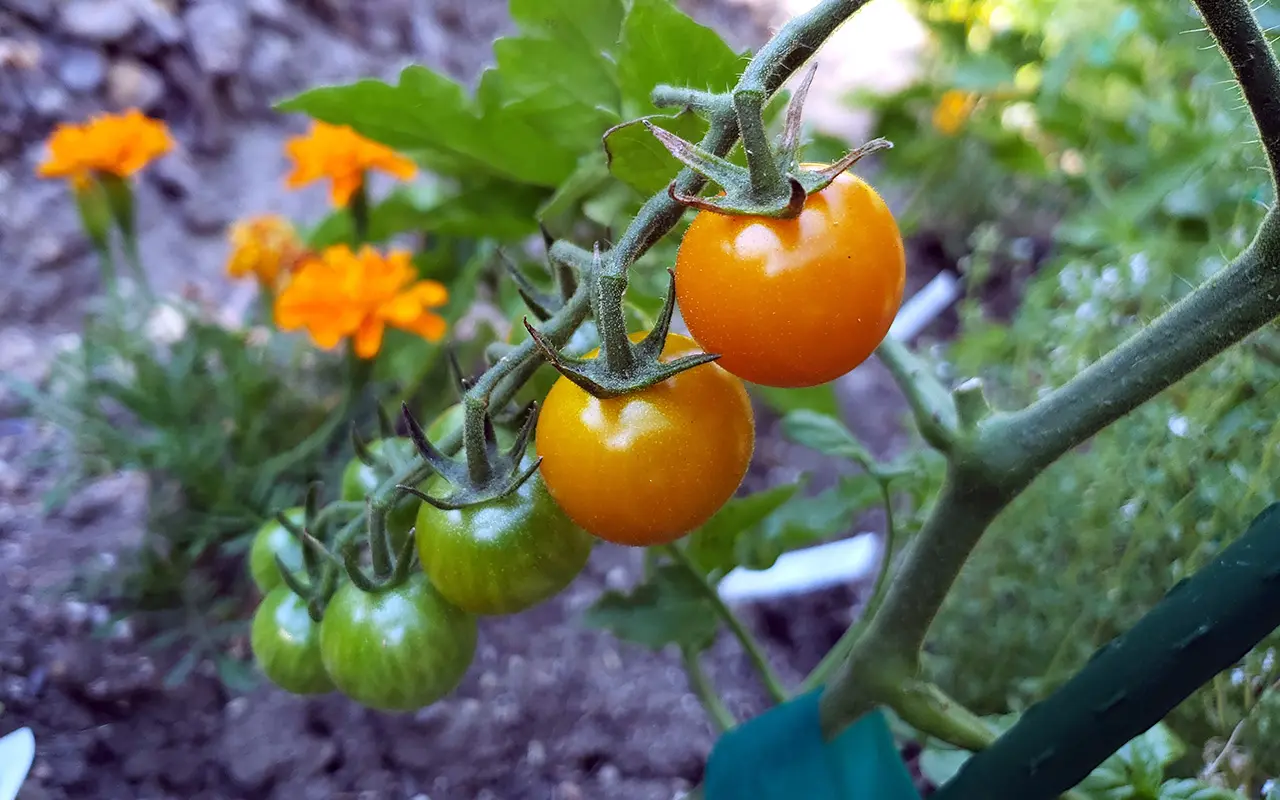
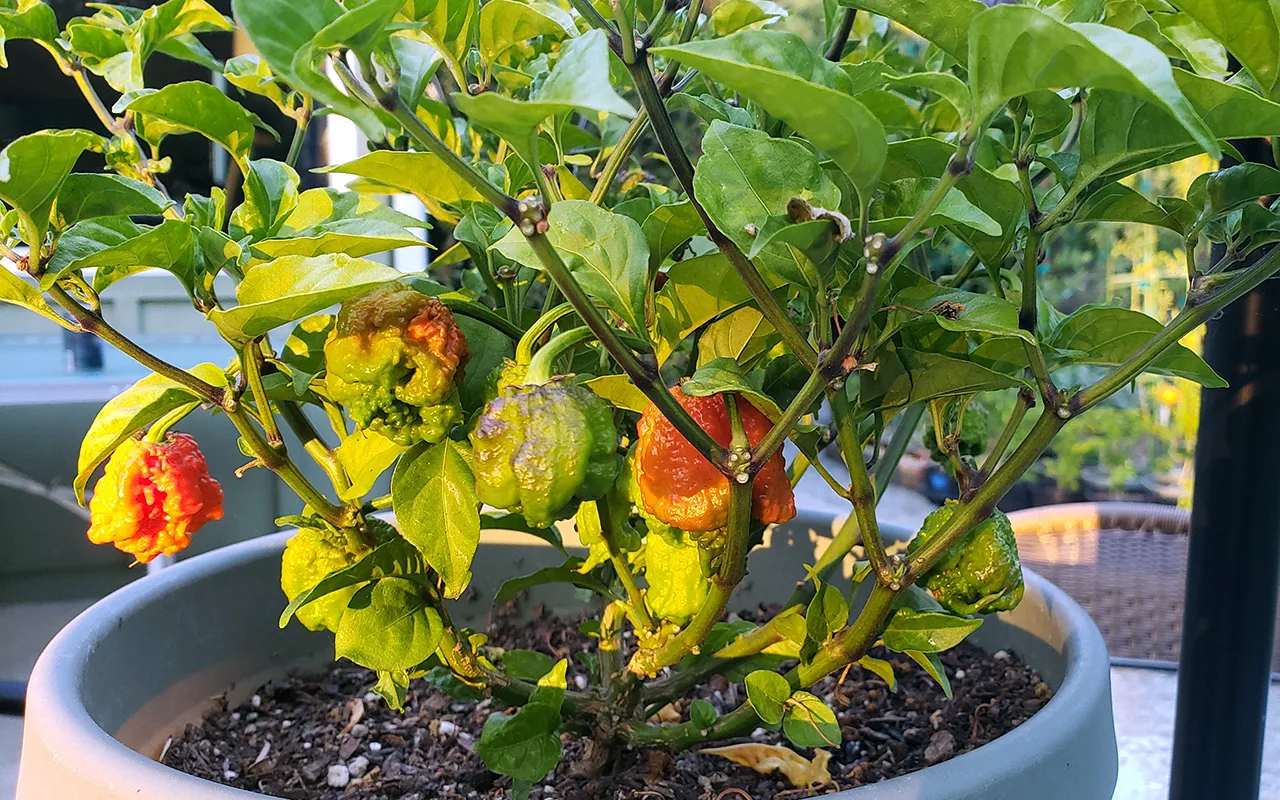
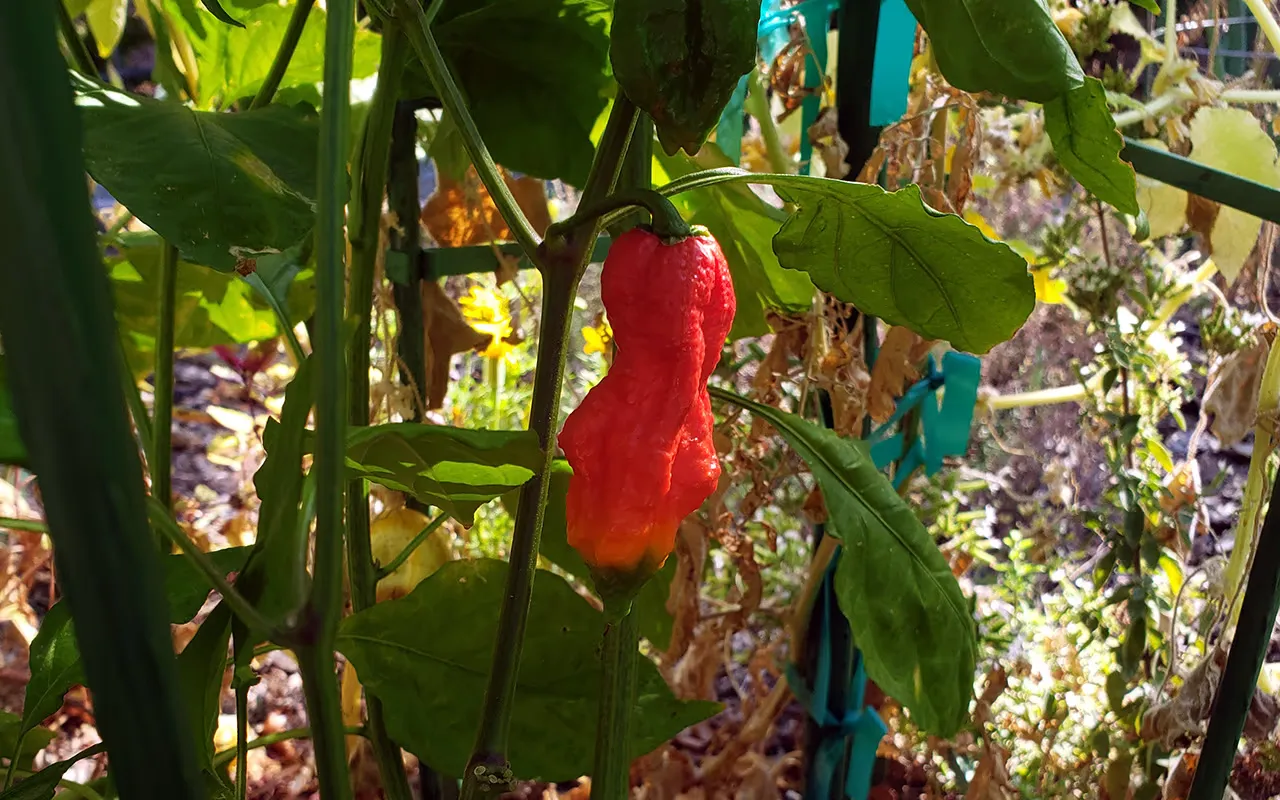
</div>Interactive image slider with:
<div class="image-slider">
  <img src="/images/example.webp" alt="Slide" />
  <button class="btn btn-ghost" type="button">Next</button>
</div>ImageRotator cycles through an array of images on a configurable interval. Key props:
images — array of {src, alt}interval — rotation period in millisecondstransition — animation style (fade, slide, zoom, flip, kenburns, dissolve, crossfade, none)transitionDuration — animation duration in ms (controls CSS and timing)width / height — sizing; accepts numbers or CSS stringsThe component renders layered slides for smooth enter/exit animations and honours prefers-reduced-motion. Remote images are left unoptimized in dev to avoid Next.js optimizer errors.
<div class="image-rotator image-rotator--slide">
  <div class="slide is-active"><img src="/images/example.webp" alt="" /></div>
  <div class="slide"><img src="/images/example-2.webp" alt="" /></div>
</div>Guidelines that define how the system is applied across interfaces.
One primary action per region
Primary actions are used sparingly to maintain clarity and focus.
Semantic colors are reserved for feedback
Warning and error states communicate system status, not hierarchy.
Core patterns precede advanced inputs
Common interactions are prioritized before introducing complexity.
Consistency is driven by tokens
Design tokens ensure alignment across components, themes, and states.
Accessibility is a baseline, not an afterthought
All components are designed to meet contrast, focus, and usability standards.
This system is designed to scale across production environments, balancing performance, accessibility, and usability.
Disclosure patterns placed here so the workflow example stays the primary narrative for multi-step content.
Accessible tab interface with ARIA roles, keyboard navigation (←/→, Home/End), focus management, and horizontal scrolling for overflow. Only one tab panel is visible at a time, and all controls are screen reader friendly.
Pill style tabs.
Rounded tabs with a flat bottom that sits on the panel.
<div class="tabs" data-tabs>
  <div class="tabs-desktop">
    <div class="tablist scrollable" role="tablist">
      <button class="tab is-active" type="button" role="tab" aria-selected="true">Overview</button>
      <button class="tab" type="button" role="tab">Details</button>
    </div>
    <div class="card tab-panels">
      <div class="panel" role="tabpanel">Panel content</div>
    </div>
  </div>
</div>

<div class="tabs tabs-pills" data-tabs></div>
<div class="tabs tabs-rounded" data-tabs></div>One panel at a time (type="accordion", the default). Opening another header closes the previous. Click the open header to collapse all.
Use the sign-in screen, choose “Forgot password,” and follow the email link. Links expire after a short window for security.
Any number of panels open (type="collapsible", or the Collapsible alias). Each header toggles only its own panel.
Use the sign-in screen, choose “Forgot password,” and follow the email link. Links expire after a short window for security.
Open Billing → Invoices and select a period. PDF exports include your account ID and tax details when available.
<div class="accordion" id="acc-demo">
  <div class="card acc-item is-open">
    <h3 class="acc-header">
      <button class="acc-trigger" type="button" aria-expanded="true">
        Title
        <span class="acc-indicator" aria-hidden="true"></span>
      </button>
    </h3>
    <div class="acc-panel">
      <div class="acc-panel-inner">Panel content</div>
    </div>
  </div>
</div>

<div class="accordion collapsible">
  <div class="card acc-item is-open">
    <h3 class="acc-header">
      <button class="acc-trigger" type="button" aria-expanded="true">Title</button>
    </h3>
    <div class="acc-panel"><div class="acc-panel-inner">Panel content</div></div>
  </div>
</div>